Set up the client, vendor, account, or operating group.

Back-office operations control system
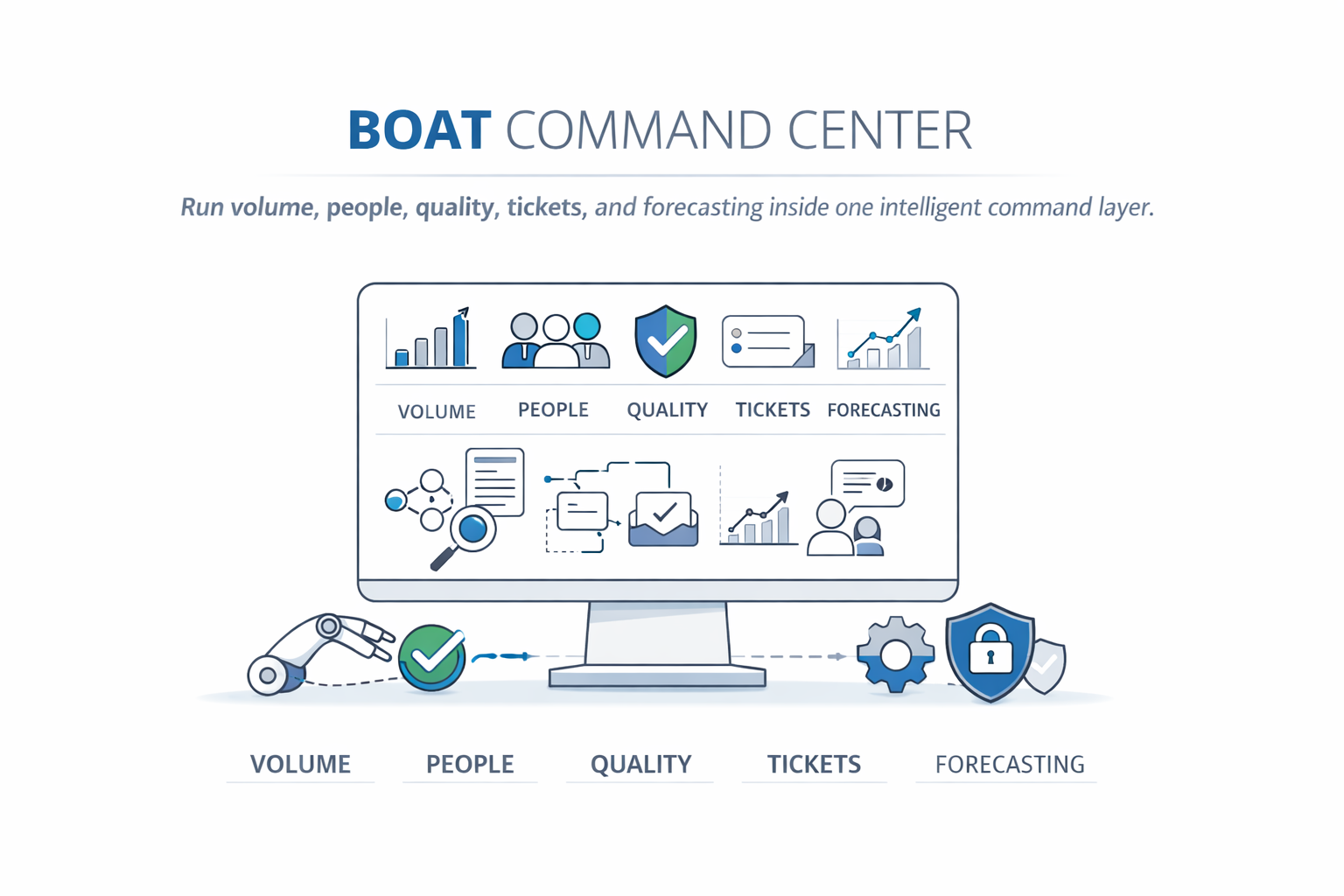
Run volume, people, and execution from one command layer.
BOAT helps back-office teams control incoming work, distribute tasks by skill and capacity, track productivity, and turn everyday operating movement into smarter decisions.
What BOAT does
Connects volume intake, routing, attendance, AHT/KPI, SOP updates, reports, and Smart Insights.
How it works
Files enter, map to procedures, route to trained capacity, and feed dashboards and reports.
Who it serves
Shared services, finance ops, legal ops, claims, documentation, and process-heavy back offices.
About Us
Built from the reality of high-volume operations.
BOAT was designed around the operational pressure back-office teams face every day: unpredictable inflow, shifting attendance, manual trackers, missed handoffs, and limited visibility into whether the work will actually finish on time.
Why BOAT
From scattered work to governed execution.
BOAT is not just a dashboard. It is an operating control layer that helps leaders know what arrived, who can handle it, what should be distributed first, and where delivery risk is forming.
Volume control
Fetch or place work, map client headers, track received volume, backlog, duplicates, and folder cleanup.
Work distribution
Route work by trained procedures, priority, productive minutes, OT, attendance, caps, and AHT/KPI rules.
KPI analytics
Compare actual handling time against client and internal targets so leaders can focus coaching quickly.
Smart Insights
Read operating data for risks, bottlenecks, shortages, duplicate patterns, and upcoming workload trends.
How it works
Use folder fetch or upload/place volume based on the operation.
Map procedures, folder paths, KPI/AHT, SLA, owner, priority, and file type.
Add editors, trained procedures, productivity inputs, and routing scope.
Assign managers and admins through hierarchy and access controls.
Configure attendance, SOP, dispositions, reports, duplicate rules, and retention.
Bring volume in, distribute work, process files, and monitor insights.
User access
BOAT can create secure user credentials from uploaded editor and hierarchy masters. Users receive login details by email, and BOAT opens the correct workspace automatically: editors enter the Editor Console, while managers and admins enter the Client Admin workspace.
Platform center data
The operating centers BOAT brings together.
Volume Control
Incoming work, upload/place model, folder fetch, duplicate checks, and file-level controls.
Work Distribution
Capacity-led routing across trained editors and procedures.
KPI Tracking
AHT/KPI comparison by procedure, date, and productivity threshold.
SOP Library
Procedure SOP mapping, version floaters, and editor acknowledgements.
Reports
Volume, distribution, backlog, duplicate, KPI, and forecast reports.
Smart Insights
Ranked operational signals that explain where leaders should act first.
Smart Insights Signals From Future Client Modules
Quality Control, Client Chat, and Support Tickets are client-login modules. On the website, BOAT highlights the operational signals those modules can create for smarter leadership decisions.
Quality riskUse QC outcomes to spot procedures, editors, or SOP updates that need higher sampling.
Training gapsRead repeat errors and procedure friction to suggest who needs coaching and who can train.
Capacity pressureFactor QC work, audit AHT/KPI, and reduced allocation into production planning.
Client frictionUse chat and ticket RCA patterns to prevent recurring escalations before they affect delivery.
Soft-launch pricing matrix
Soft-launch discounted pricing is available for a limited period. Valid for 30 days to apply.
Select your expected editor and folder scale. Final billing is progressive against actual monthly usage.
Capacity layer - price per editor per month
| Tier | Range | Original | Discounted |
|---|---|---|---|
| Tier 1 | 1 - 30 editors | $15 | $12 |
| Tier 2 | 31 - 100 editors | $14 | $11 |
| Tier 3 | 101 - 300 editors | $13 | $10 |
| Tier 4 | 301 - 700 editors | $12 | $9 |
| Tier 5 | 701+ editors | $11 | $8 |
Throughput layer - price per folder per month
| Tier | Range | Original | Discounted |
|---|---|---|---|
| Tier 1 | 1 - 100 folders | $0.50 | $.40 |
| Tier 2 | 101 - 300 folders | $0.45 | $.35 |
| Tier 3 | 301 - 600 folders | $0.40 | $.30 |
| Tier 4 | 601 - 1,000 folders | $0.35 | $.25 |
| Tier 5 | 1,001+ folders | $0.20 | $.15 |
Fair, Graduated Pricing
Pay only for what you use. We use a progressive billing model—as your operations scale, your per-unit costs automatically drop for every single tier you cross.
FAQ
What operating problem does BOAT solve?
BOAT gives leaders one operating layer for incoming volume, available capacity, assignment movement, productivity tracking, reporting, and upcoming risk. The goal is to reduce manual tracking and help teams act before backlog or SLA pressure becomes visible too late.
Contact BOAT
You can also reach us directly by email at connect@boatbpo.com.